Adverts
How to take better photos? After all, recording special moments is incredible, but sometimes the photos don't turn out the way the person wants, right?
The good news is that you can greatly improve the quality of photos taken with your cell phone, without needing a professional camera or complicated things.
And relax, you don't need to have the most modern cell phone around to put these tips into practice. Applies to any model! Want to know how? So stay tuned, we’ve put together 10 tips for taking better photos right now!
Read too:
10 tips for taking better photos now

1. Always clean your cell phone camera lens
Cleaning the camera lens before taking photos is an important step that many people forget.
This may seem a little obvious, but the truth is that most people end up skipping this step and their photos suffer the consequences. The images are a little blurry, which is not good for the final quality.
After all, our cell phones are always coming and going, in our pockets or bags, and it's natural for the lens to get dirty.
So, it doesn't hurt to clean it before you start photographing, even if it appears to be clean. Use specific wipes for electronics or a soft fabric to avoid scratching anything. Ready, clear photos and no problems!
2. Discover where to find the perfect light for your photos
In the quest to take better photos, each photographer has their secrets, but they all agree on one point: more light means a better quality image.
So, observe the environment around you and identify the best available light source.
It is not necessary for the lighting to be directly on the object in the photo, but it is essential to understand how it behaves in space. So test different angles. This simple tip can make all the difference in capturing incredible moments.
3. Avoid using the flash
You can't always find good light, but that doesn't mean flash is the best option.
When the environment is too dark, the flash can mess everything up, highlighting the contrasts in the photo too much. The result can be an image full of shadows and overlit areas.
The ideal is to wait for good lighting or look for a place with white walls to help reflect the light.
4. Use the rule of thirds
If you want to improve the framing of your photo, activate the grid lines on your cell phone camera.
This function places several lines on the screen, following the “rule of thirds”, a photographic principle that suggests dividing the photo into horizontal and vertical thirds, totaling nine parts, which is much easier and helps you a lot when framing the photo. .
This rule will definitely help you take better photos!
To activate gridlines, if your cell phone was a android: Go to the camera, click on settings, find the “grid lines” option and then just enable this feature.
If your cell phone is a iPhone just go to settings -> camera -> grid (enable)
5. Adjust focus for amazing photos
How many times have you captured that perfect scene, but when you check the photo, it's blurry? To avoid this setback, it is crucial to always remember to adjust the focus.
Enough touch the screen about the desired object, and a square will appear on the camera.
Make sure the square is exactly over the focal point, and if the camera doesn't focus correctly, repeat the process. Sometimes you need to tap a few times until the device recognizes the image.
6. Explore manual mode for professional results
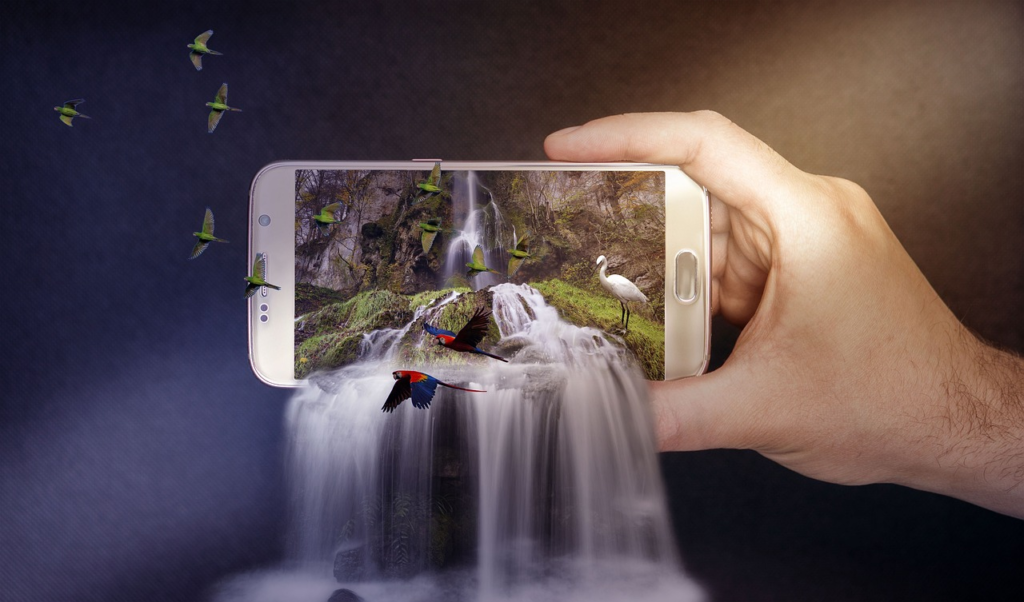
Manual mode is the closest option your smartphone has to a professional camera for taking better photos.
It allows you to control each stage of the capture, such as focus, exposure, ISO, shutter speed and other settings.
So take the time to experiment with these adjustments until you find the perfect composition. That way, when it's photo time, you'll be ready to capture the moment without wasting time!
7. Avoid using your cell phone’s zoom to take better photos
Using zoom compromises focus and sharpness, resulting in poor images, especially when viewed on larger screens, such as a computer.
Instead, it is recommended to get closer to the object to be photographed. If close proximity is not possible, it is best to use a minimum zoom and avoid capturing details from afar.
8. Hold your cell phone with both hands
Holding with just one hand increases the risk of blurry photos due to lack of stability.
An effective technique is to rest your thumbs on the base of the cell phone, your index fingers on the sides and the other fingers on the back.
This approach not only ensures sharp photos, but also reduces the risk of falls, making it essential to apply the rule of thirds when framing photos.
9. Keep an eye on the space around you
The space around the main object in the photo is what we call negative space.
It could be the sky, a large wall or the landscape in the background. Despite the “negative” name, this technique is super positive for taking better photos.
Do you know why? Because it highlights what is being photographed even more, drawing the viewer's attention. Before clicking, take a look around and see how the environment can contribute to the composition of the image.
10. Test different angles
Just like in life, photography becomes more interesting with a change of perspective! Playing with unexpected angles makes your photo stand out, making it memorable.
This is especially true for photos taken with a cell phone, as many people tend to hold it at eye level.
Pointing your phone upwards or capturing the moment from a lower angle can make all the difference between a good photo and an incredible photo!
See also how the Citizen Card works and how to do it: here! Questions about how to take better photos? Leave it below in the comments!
