Adverts
As measure cell phone internet speedYou can easily check your internet connection speed, whether on your computer or mobile phone. Several free tools are available, both as apps and websites, that can perform this speed test for you. They can evaluate both your fixed internet connection, whether wired or Wi-Fi, and your mobile connection, such as 4G or 5G. Learn more below!
How to measure cell phone internet speed?
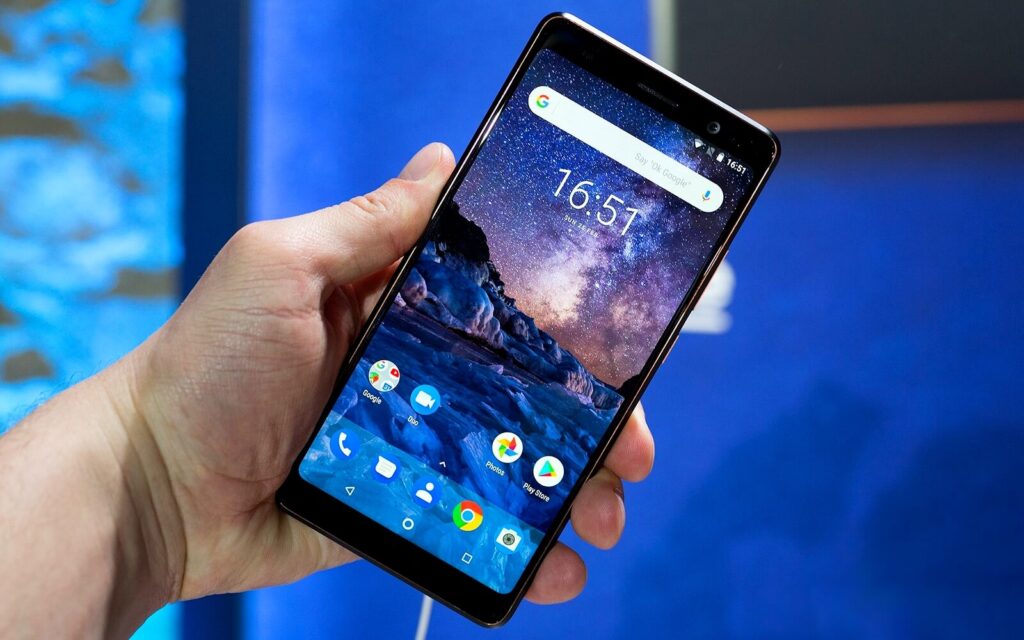
A good way to check your cell phone's internet speed is using the Brasil Banda Larga tool.
This free test is offered by the National Telecommunications Agency (Anatel) and the Broadband Quality Assurance Entity (EAQ), and it provides valuable technical information, such as the download and upload speed of your connection.
Here is a simple guide to help you determine if your Internet speed is adequate and also to understand the meaning of the data presented in the results.
It is important to mention that this tutorial was carried out using the Chrome browser on a Samsung Galaxy S10 Plus device, with the Android 10 operating system.
The tool is available in other Internet browsers and can also be accessed through applications on iPhone (iOS) and Android devices.
Furthermore, the test can be performed regardless of the telecommunications company you use.
This means that it doesn't matter if you are a customer of Copel Telecom, Vivo, Claro or any other operator, you will still be able to measure your connection speed easily.
Step by step to check the connection
Step 1: To check your cell phone internet speed through your mobile device, you need to first download the app called ESAQ – Brazil Broadband, available on the Google Play Store or the App Store.
Then, connect your smartphone to the network you want to test, and open the app to measure the connection speed, whether Wi-Fi or mobile.
Step 2: If this is the first time you are using the application, you will need to grant permissions and accept the terms of use.
Step 3: Soon after, you will see a speedometer on the screen. Tap the “Start Test” button and wait for the results.
Step 4: At the bottom of the application, you can access information in the “Summary” tab. In this section, the average and best result of the measurements already carried out will be displayed.
Additionally, you can also view data related to all available networks or choose between Wi-Fi and mobile connection.
Step 5: Another useful option is to view the speedometer history, which is separated by networks.
This is particularly useful for those who use more than one Wi-Fi network, for example. This option is also divided into categories, such as “All”, “Wi-Fi” and “Mobile”.
How to improve the speed of your internet connection?
In large homes or workspaces, a single router may not be enough to ensure a stable Wi-Fi connection throughout the area.
In these cases, there are devices designed to strengthen the signal and improve the speed of your internet connection.
Among these options are repeaters, powerline adapters and mesh router systems, all of which are capable of expanding Wi-Fi network coverage.
Alternatively, it is possible to opt for routers with AC technology, which offer more limited coverage but provide a higher transmission rate. This generally results in a more stable and faster internet connection.
How do I assess the quality of my internet connection?
Before determining whether the quality of an internet connection is satisfactory, it is essential to consider the purpose for which the user uses it.
If the main objective is to use the computer for work tasks and communicating with friends, it is possible to subscribe to a 30 Mb/s plan without major inconvenience.
Theoretically, this speed is adequate, even for watching 4K movies on Netflix, as the company claims that only 15 Mb/s is needed.
However, it is important to keep in mind that the maximum speed published by broadband providers may vary slightly downwards.
Also check out the best apps for Black Friday promotions: here! Do you have questions about your cell phone internet speed? Leave it below in the comments!
