Adverts
Have you lost access to the Caixa app and don't know how to solve this problem? Don't worry, we are here to help you resolve this situation.
Caixa Econômica Federal offers two applications, Caixa for the bank's customers and Caixa Tem, specially developed for the payment of government social benefits.
To use both applications, you must have a registered username and password, which serve as your identification to access your Caixa account.
Read too:
How to regain access to the Caixa app?
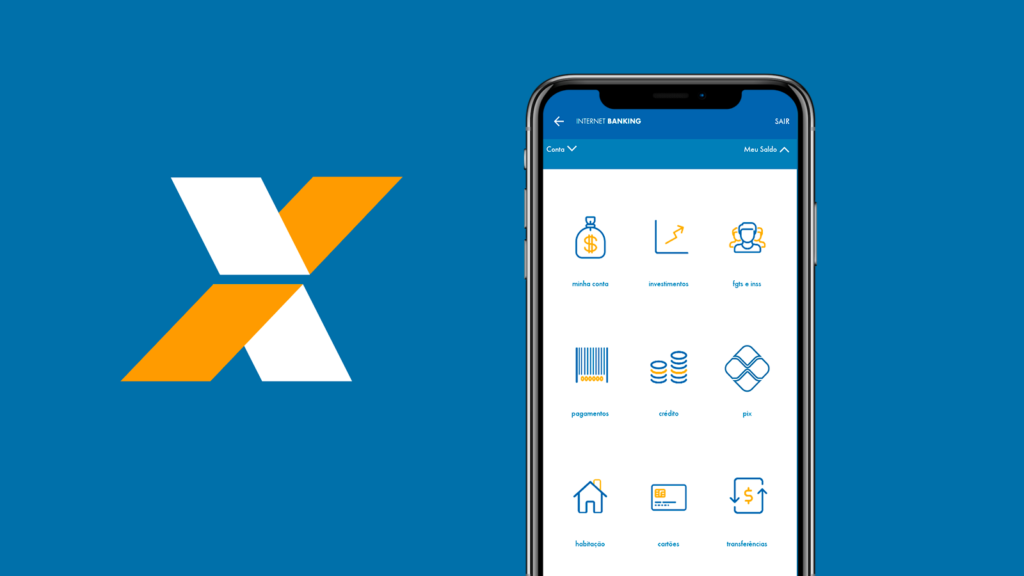
For security reasons, the Caixa application cannot offer the password recovery option.
Therefore, if you lost access to the Caixa app, you will need to register again. Follow the step by step below:
- First, access the Caixa app or Internet Banking;
- Then click on the “I don’t have a user” option;
- Accept the terms and conditions and then click “continue”;
- Fill in your full name, CPF number, date of birth and click “continue” again;
- Enter your account details, such as agency, account type, account number and account password, and click continue;
- Finally, register the new password and click “continue”;
- Ready! Your new user will be created, and you can now access your account with your CPF and new password.
Recovering your Caixa Tem password
To access the Caixa Tem app, you need to use your CPF number and a six-digit numeric password.
If you forgot your password, don't worry, recovery is easy. See how to do it:
- First, open the Caixa Tem app and tap the “I forgot my password” option;
- Secondly, enter your CPF in the indicated field, check the option “I'm not a robot” and tap “Continue”;
- Thirdly, the application will send instructions for recovering the password to the registered email;
- Then, access your email, find the password change link and click on “Link to reset credentials”;
- Follow the instructions provided and enter the new password. Remember that the password must be numeric and contain six digits, and cannot be the same as your CPF, contain repetitions or be your date of birth;
- Finally, tap “Continue” to complete the process and then you will be able to log in to the platform with the new chosen password.
If you have lost access to the phone or email registered with Caixa Tem, unfortunately, it is not possible to change this information directly through the application.
In this case, you will need to go to a physical Caixa branch, taking an identification document with a photo, such as ID, driver's license or passport, and request the change from the attendant.
Caixa call center

Another option is to contact the Caixa Customer Service Center to request a change of email. You can do this via the following phones:
- Capitals and Metropolitan Regions: 3004-1104
- Other locations: 0800 726-0104
With the new email registered on the platform, you will be able to reset your password without difficulty.
Finally, remember the importance of keeping your data always up to date so as not to lose access to the Caixa app, which is essential to avoid fraud and guarantee secure access to your account and its benefits.
Caixa Tem is a tool developed by Caixa Econômica Federal that offers Digital Social Savings, where deposits of Federal Government benefits are made, such as Bolsa Família and the extinct Emergency Aid.
See also how to avoid fraud with the INSS IA: here! Doubts? Leave it below in the comments!
