Adverts
How to protect your cell phone on social media? After all, scams have always been a concern for those less attentive, and social networks have become a new playing field for scammers.
However, measures are being implemented to ensure user safety.
Criminals often pretend to be the victim, using various social networks to carry out scams, such as simulating product sales, offering irresistible deals and even lying about vulnerable situations.
Read too:
5 ways to protect your cell phone on social media

1. Authentication Factor
One of the first crucial measures to protect your cell phone on social networks is to create a personal and unique password during the registration process.
The more unique the password, the harder it will be for hackers to invade your privacy.
It is recommended to include numbers and special characters, such as @, to increase password complexity. Avoid using obvious information, such as birth dates and first names, as these are hackers' first choices.
Furthermore, the second authentication factor plays an essential role in security.
This method may involve sending a link to a trusted email, notification on another device or even confirmation via fingerprint or facial scanner.
However, it is crucial to ensure that the link is official and requested by you in order to prevent unauthorized access by third parties. Protect yourself online by following these simple but effective security practices.
A very good application for 2-factor authentication is Authy.
2. Avoid using the same password for all your online accounts
With the growing number of social networks and platforms that require a login, many people choose to use a single password to facilitate access and avoid forgetting.
However, this practice has become an easy target for scammers, who, upon discovering a password, try to use it on other accounts linked to the victim.
Although memorizing multiple passwords may seem challenging, it is crucial to take security measures.
Using password managers, such as LastPass and 1PassWord, or even writing them down in an external notebook, are essential tools for protecting your cell phone on social networks.
These managers create and store passwords securely in the cloud, making access easier when integrated with mobile applications.
3. Beware of Online Fraud Attempts
It is essential to be careful when dealing with suspicious links or when providing personal codes, as this information is often exploited by scammers.
They pose as companies or banks, promising tempting opportunities. It is crucial to remain wary of generous prizes from unknown sources.
To protect against these frauds, companies like Google are implementing verification badges. This ensures that the contact was actually made by the legitimate company and not by a criminal.
Always be aware and adopt security measures when browsing online.
4. Avoid using public devices or connection networks
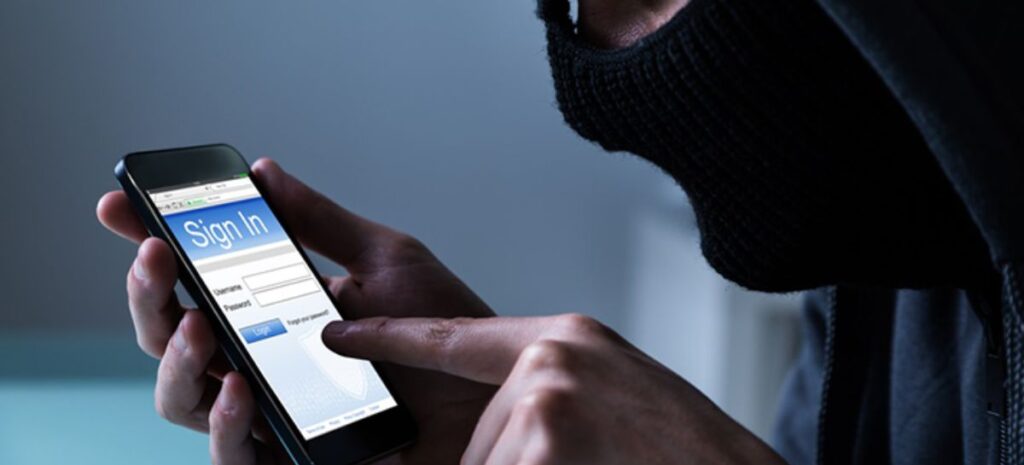
One of the scammers' main strategies is to target logins left by users on public computers.
It is always important to remember to log out of the account when ending use. It is common to find suspicious messages on social media profiles.
Public networks are present in places with large circulation of people and can be useful when the user does not have active mobile data.
However, it is difficult to guarantee the reliability of these networks. Therefore, always choose to use your own internet connection.
5. Choose to keep your profile private
As we mentioned previously, it is a common practice for scammers to use fake accounts or impersonate reputable companies in an attempt to gain access to the victim's social networks.
On Instagram, especially, we see hacked accounts that advertise opportunities related to cryptocurrencies or transfers that promise to double the value instantly, as if it were magic.
By keeping profiles private, scammers will have access to even less information about the user, making it difficult to use personal data to carry out scams.
This measure adds an extra layer of security to your online presence.
Also find out how the CPF works in the note: here! Questions about how to protect your cell phone on social media? Leave it below in the comments!
