Adverts
Have you ever thought about how great it would be to be able to have two WhatsApp accounts on the same cell phone? Whether to separate the professional number from the personal number, or for any other reason.
Well, if you think this would be a real solution to your problems, you've come to the right place.
Therefore, below, we will show you a complete step-by-step guide to installing two WhatsApp accounts on the same cell phone. Are you curious? So keep reading!
Read too:
How to have two WhatsApp accounts on the same cell phone?
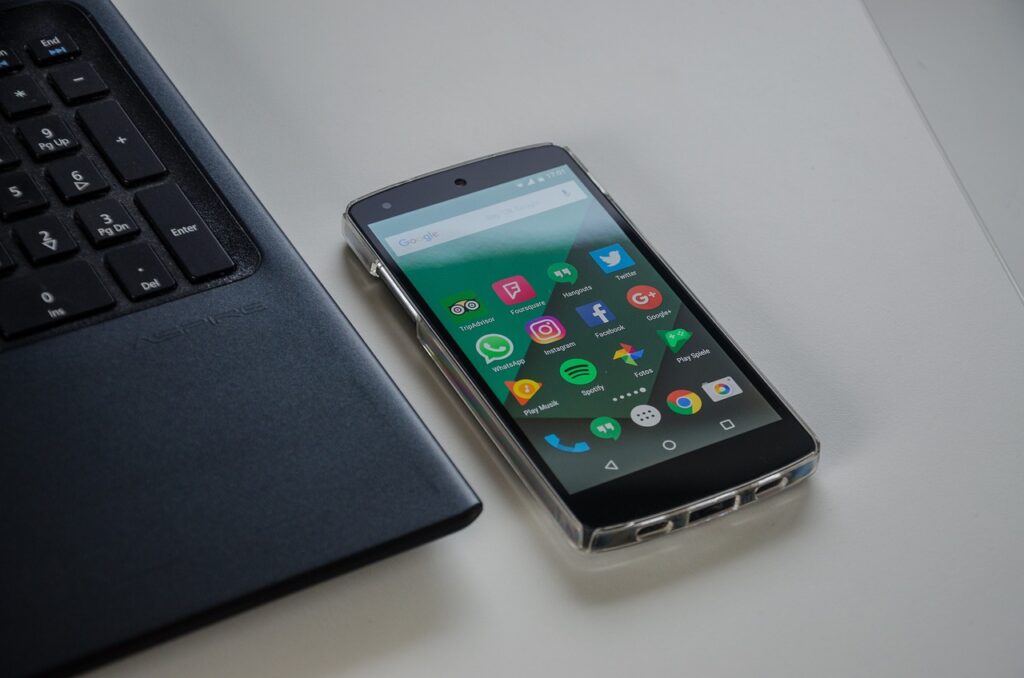
1. Let's get started
First, go to the three-dot menu in the upper right corner of WhatsApp.
Then click there and go to “Settings”. It's the first step to creating your second account.
2. QR Code Time
Secondly, take a look at that QR Code from your current account. On his side there is a little arrow. So, click there to start the process of adding a new account.
3. Adding the new account
Thirdly, the “Add account” option will appear. Tap it to start installing your second WhatsApp.
4. Accepting the terms
Then, read and accept WhatsApp's Terms of Service and Privacy Policy. Just click “Agree and Continue”.
5. Enter the new number
Now, enter your second WhatsApp number. Remember: it has to be a different number than the one you already use.
6. Confirming the number
The app will ask for confirmation of the number. If everything is ok, tap “Ok”. If you need to change something, you can edit it.
7. Verification code
An SMS will arrive with a verification code. If you have two-step verification enabled, be prepared to enter one more code.
8. Restore Backup?
Do you want to recover old conversations? If yes, tap “Grant permission” to restore the Google Drive backup. If not, just skip this part.
9. Customizing the account
Finally, choose a name and photo for this new account. That’s it, your second account is ready!
Is it possible to have more than two accounts on the same cell phone?
WhatsApp even allows two accounts natively, but some cell phones have functions that let you add more.
Brands like Samsung, Xiaomi, Asus, Huawei, Oppo and others have Dual Messenger or Twin Apps features.
Additionally, there are also third-party apps like Parallel Space or Dual Space that can help.
Common questions

Can I have the same WhatsApp account with two numbers?
Unfortunately not. Because each WhatsApp account is exclusive to a number.
Can I use the same number on two cell phones?
Yes! You can use the same WhatsApp number on up to four devices. Just configure it using your main phone.
Can I delete one of the WhatsApp accounts from my cell phone?
Yes, if you want to remove one of the accounts, just go to the account settings, tap “Remove account” and confirm.
Can I use two WhatsApps on iPhone?
On iOS, the easiest way is through WhatsApp Business. You will need a second chip, but you can activate it and then switch back to the main chip.
You can also activate via SMS with the chip on another device or even use a landline number and confirm by calling.
Conclusion
Anyway, we hope you enjoyed the information on how to manage two WhatsApp accounts on a single Android phone.
This strategy can really simplify your life, both personally and professionally.
Finally, if you have any questions or if you have additional suggestions, don't hesitate to share them in the comments. After all, we are here to help!
Also learn how to send audio with single view on WhatsApp: here! Doubts? Leave it below in the comments!
